Doom-Oxocarbon: An Org-Mode Focused Port of IBM Carbon
1 . Motivation
For those that are unfamiliar, I've been an Emacs power user for the past year now. I've been rocking the tokyo night theme across my entire system since forever, until this last month when I decided that wanted a change going into the new year.

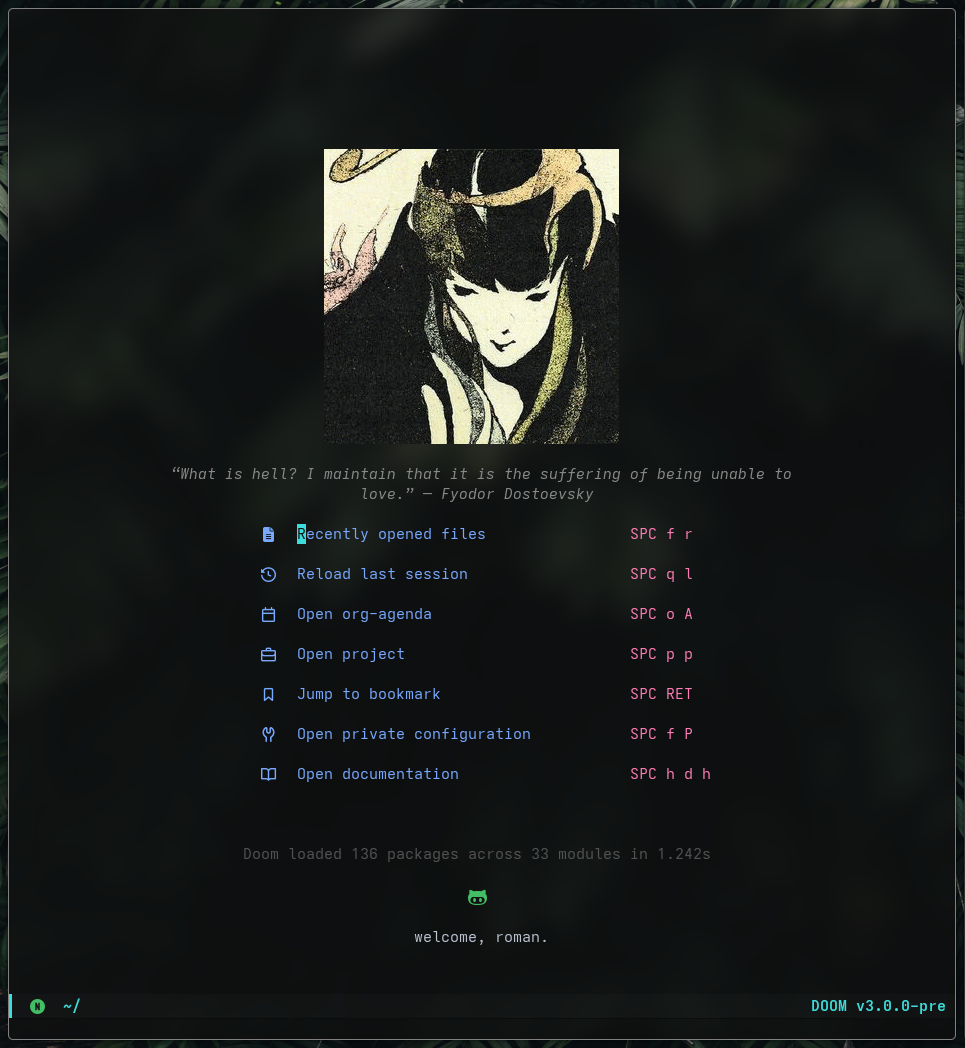
I was always a fan of the oxocarbon VSCode theme, a color scheme influenced by IBM Carbon. Originally influenced by this image, while searching for an Emacs port I continously ran into these issues:

- The themes would break Doom's dashboard, with incorrect face definitions causing rendering issues on startup
- Required manual overrides and ad-hoc fixes to make them usable in my own workflow
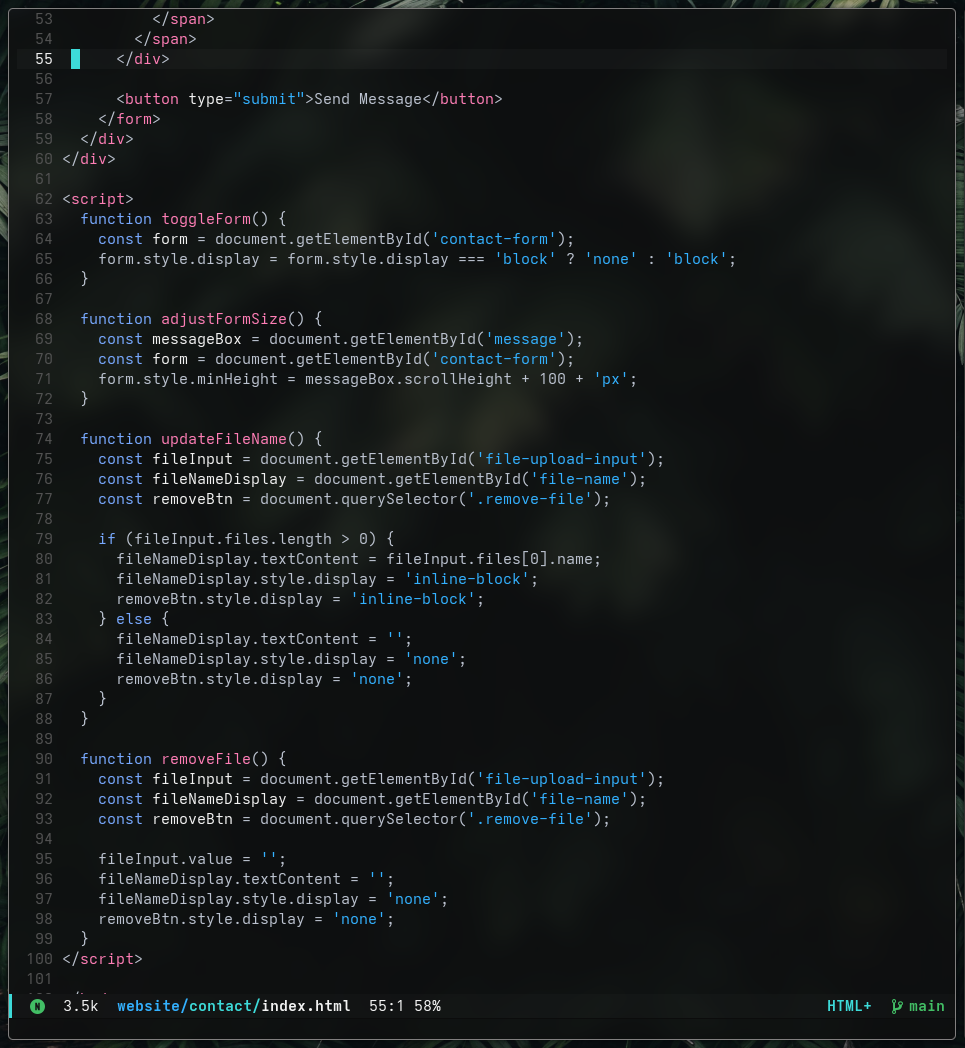
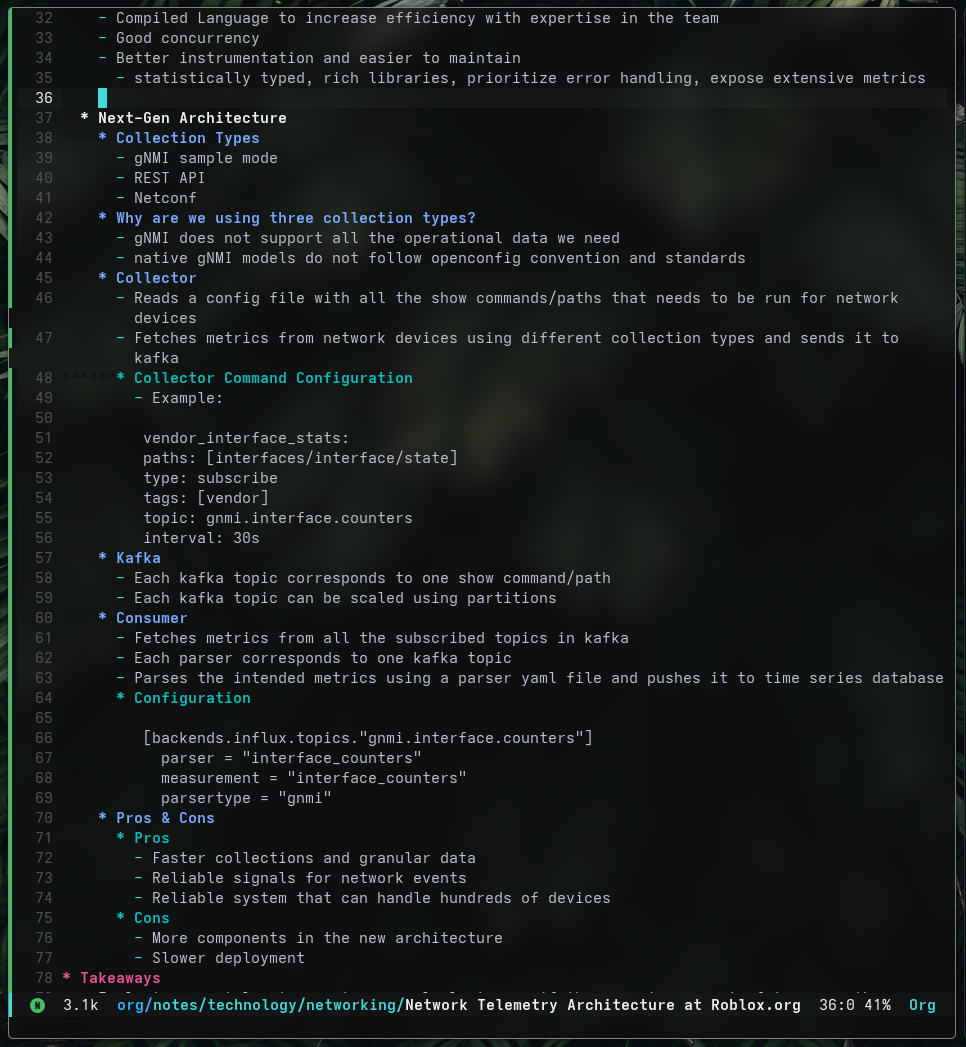
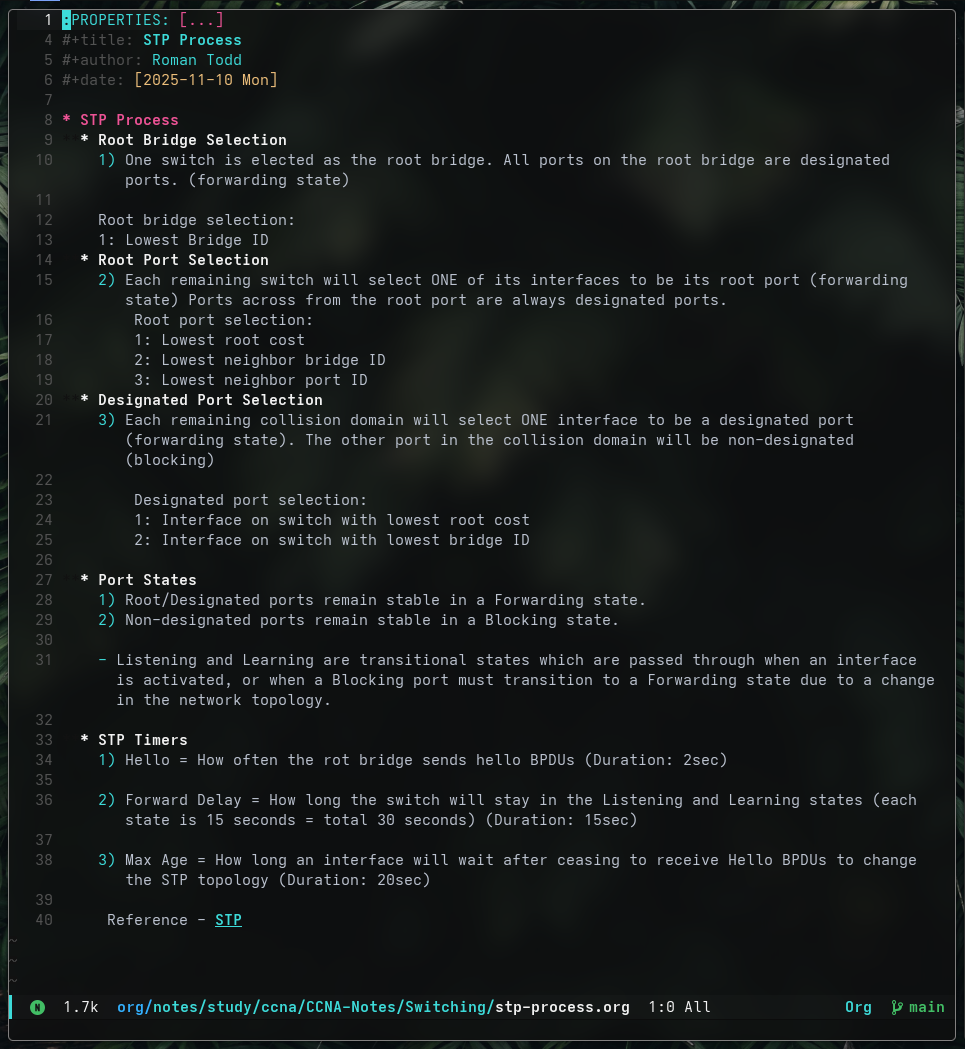
- Org-mode was poorly styled, with low-contrast headings, noisy emphasis, and unreadable source blocks
So with some much needed tweaking, I created a version that's compatible with Doom Emacs, especially for people who use org-mode as extensively as I do.
The color scheme is now released, and you can find the full theme here.
Happy New Years:)
2 . Installation
Doom Emacs:
-
Clone the repository:
git clone https://github.com/roman-xo/doom-oxocarbon ~/.config/doom/themes/doom-oxocarbon
-
Add the theme to your config.el:
(setq doom-theme 'doom-oxocarbon)
-
Ensure Doom knows where to find the theme:
(add-to-list 'custom-theme-load-path "~/.config/doom/themes/doom-oxocarbon")
-
Reload:
doom sync
Softer Foreground
By default, doom-oxocarbon uses a bright white foreground. If you prefer a softer appearance, you can override the default face in your Doom config:
(after! doom-themes
  (custom-set-faces!
   '(default :foreground "#bbc2cf")))
Roman Todd - 01-01-26